December 2025
Top 5 iPhone Location Tracking Apps to Use
Ever lost your iPhone or worried about someone’s safety while they’re out and about? iPhones combine strong privacy protections with Apple’s secure location services — yet sometimes extra tracking tools come in handy for peace of mind. About 62% of smartphone owners report sharing their location with a friend or family member. That shows how common location-sharing became when convenience or safety matters.
If you want clarity about where someone is or was — whether for a lost device, checking on loved ones, or coordinating plans — the right app makes it easier. Below you’ll discover top iPhone location tracking tools that offer accuracy, control and peace of mind.
Table Of Contents
How Accurate Is iPhone Location Tracking?
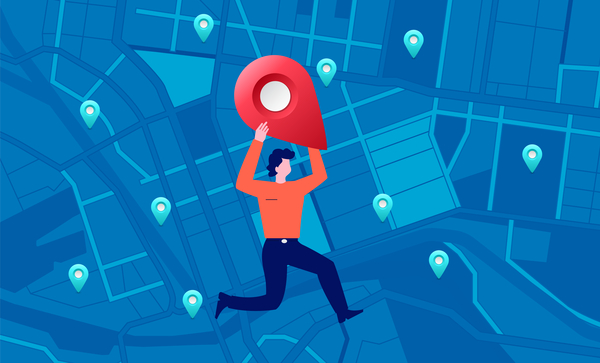
The accuracy of iPhone location tracking varies based on different factors. It includes the device’s specific location, environment, and the technology being used.
For example, if the iPhone has access to strong satellite signals, then the accuracy of GPS location tracking can be within 5-10 meters. However, if the device has weak satellite signals, the accuracy will decrease and can range from 10 to 30 meters.
Generally, GPS (Global Positioning System) offers location tracking accuracy between 10 and 20 meters. Whereas the accuracy of WPS (Wi-Fi Positioning System) can range from 10 to 50 meters.
5 Best Tracking Apps for iPhones
The market is filled with both paid and free iPhone tracking apps, and almost all of them claim to be the best. That’s why it can be extremely difficult to choose a reliable option that actually works.
To make this process easy for you, we tested a wide range of such apps and selected only the best ones.
Phonsee – The Best iPhone Tracker App Overall
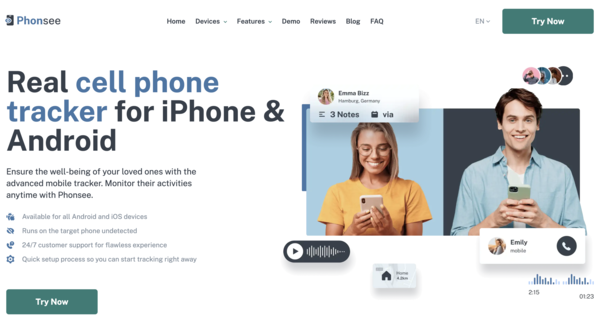
The first location tracking app for iPhone on our list is Phonsee. While there are many reasons why this app topped our list, the most important one is probably its comprehensive set of monitoring features.
Using this app, you can monitor pretty much everything that’s happening on the target phone, which includes the following.
- GPS Location: View the exact location of an iPhone on a user-friendly map, along with the location tracking history.
- Geofencing: Create digital boundaries for the target device and get notifications in real time whenever those are crossed.
- Social Media: View whatever they do on all popular social media networks, including Facebook, Instagram, WhatsApp, Snapchat, Telegram, Discord, and Tinder.
- SMS and Email: Monitor all the conversations on the target device that take place through text messages and emails.
- Screen Capture: View screenshots that the Phonsee iOS tracking app captures automatically to understand their smartphone usage patterns.
- Call History and Contacts: View all the saved contacts and detailed call history with names, timestamps, and duration of calls.
- Keylogging: Track all the words they type on their device and get alerts whenever an inappropriate word is detected.
- Internet History: Get access to their internet browsing history and block unwanted apps and websites on their phone.
One more helpful thing about Phonsee is that you can check the phone’s activity from your own device after the first setup. You only install it once on the phone you want to keep safe. It then works quietly in the background, so you can stay updated without needing the phone in your hands again.
Why Choose Phonsee?
If you’re looking for a premium iPhone location tracking app that checks all the boxes, Phonsee could be your best choice.
mSpy – The Best for Parental Control

mSpy is another powerful location tracking app for iPhone. It comes with everything that parents need to track smartphone activities of their kids in real time to ensure their digital well-being.
Here’s a list of main phone monitoring features that mSpy brings to the table.
- GPS Tracker: Find an iPhone’s location in real time on an easy-to-use map, along with geofencing.
- General Usage: See the apps and websites they use the most and block anything you don’t want them to access.
- Messaging Apps: Track popular messaging and social media apps, including Facebook Messenger, WhatsApp, Telegram, Instagram, Discord, and iMessage.
- Keylogger: View everything they type on their phone, so you can tell if something feels off or concerning.
- Screen Recorder: Have a quick look at what’s happening on their screen through screenshots that the app captures from time to time.
- Calls and Text Conversations: Check their call history and even see their incoming and outgoing texts or emails.
mSpy also offers an invisible mode to help you monitor an iPhone discreetly.
Why Choose mSpy?
If you need a reliable location tracker for the iPhone to monitor your kid’s movement via their phone, you can opt for mSpy.
Spynger – The Best for Relationship Monitoring

Spynger is one of the best tracking apps for iPhones to keep an eye on your partner’s location and overall phone activity. It’s specially designed for people to confirm or reject their suspicions about their partners.
The following are the main phone tracking features that Spynger offers.
- GPS Location: Find their location in real time, see the places they visit the most, and set virtual boundaries to get notified whenever they’re crossed.
- Apps and Websites: See all the apps and websites they use regularly and block those you don’t want them to engage with.
- Messengers: Track their activity on all mainstream messengers and social media apps, such as Facebook, WhatsApp, KiK, Telegram, Instagram, and Snapchat.
- Calls and Texts: Monitor incoming and outgoing calls and texts on their phone to see who they talk to.
Lastly, the Spynger iOS tracking app also offers screenshot capture and keylogger features, and comes with a stealth mode to help you monitor your partner’s phone without being detected.
Why Choose Spynger?
You can choose Spynger if you need a foolproof way to find out if your partner is cheating on you to make an informed decision about your relationship.
Eyezy – The Best AI-Based Monitoring App for Modern Parents
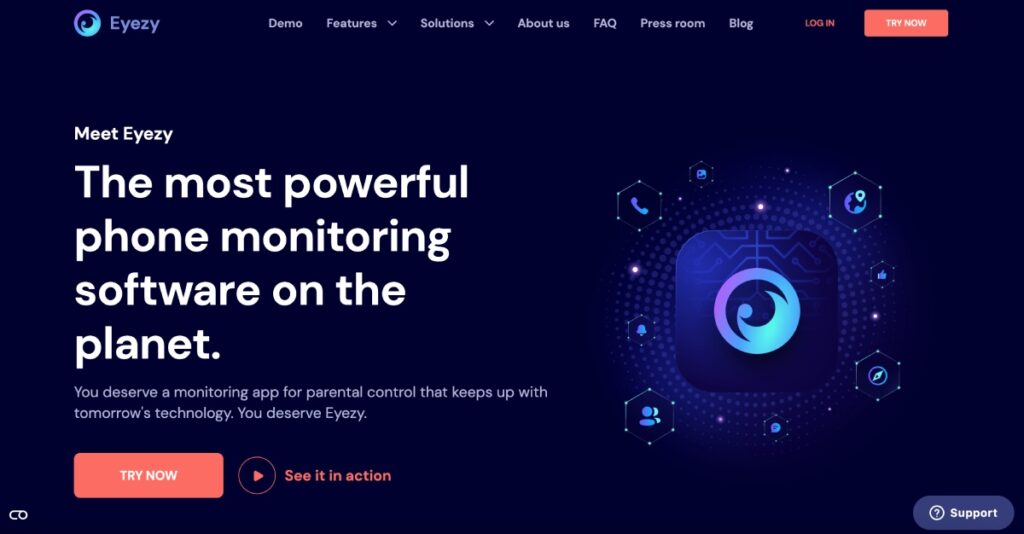
Eyezy is an AI-powered iPhone location tracking app that’s super-powerful and simple to use. Its state-of-the-art technology allows modern parents to keep up with their tech-savvy kids easily.
The following are the monitoring features that Eyezy offers.
- Pinpoint: Comes with an easy-to-understand map to see where they are and have been.
- Social Spotlight: Provides you with a detailed view of all their social media activities, including private stuff like chats and photos.
- Web Magnifier: Lets you see all the websites and apps they use and restrict access to those you don’t approve of.
- AI Tools: Allows you to view their conversations with AI tools to see if they’re engaging in any harmful discussions.
- Call Recorder: Records their calls and also provides you with their call history with contact names and timestamps.
Just like other premium tools, the Eyezy location tracker for iPhone also offers an invisible mode so that you can monitor your kid’s activities secretly.
Why Choose Eyezy?
Eyezy might be the perfect pick if you want an AI-powered tracking app to keep your family safe and always stay one step ahead.
Find My iPhone – The Best Free iPhone Tracking App
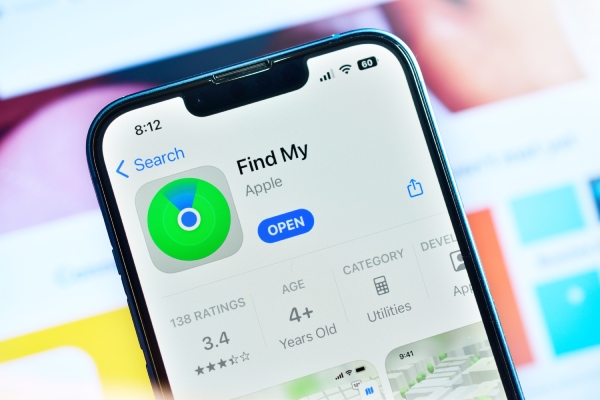
Using Find My iPhone is an easy and free way to track an iPhone’s location. You just need to install it on the phone whose location you want to monitor. After that, you’ll be able to track its real-time location on a map using the app on another device or by going to iCloud.
Why Choose Find My iPhone?
If you’re on a tight budget and looking for a free method for iPhone location tracking, Find My iPhone could be the best option.
How to Track an iPhone Location From Another Phone: Easy Guide
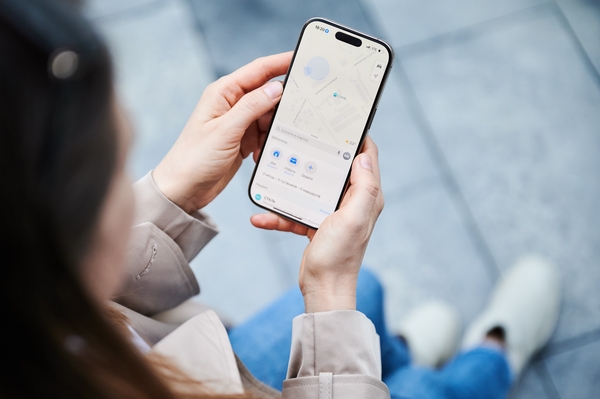
To begin, pick an app from our list and install it on the iPhone you can track. After the setup, you can use your own device to see location details whenever you need them. For instance, if you’re planning to opt for Phonsee, you can follow the steps listed below to use it.
- Open the Phonsee website and create a new account (if you don’t have one already).
- Select the subscription plan you want and complete the payment process carefully.
- Go to your inbox to open the email that you received from Phonsee.
- Install the app on the target device using the guidelines provided in the email.
- Log in to your Phonsee account on a browser using your own device.
Once logged in, you’ll be able to view the location (and other activities) of the target phone on the dashboard of the Phonsee iOS tracking app.
Conclusion
Tracking the accurate location of an iPhone is not only possible, but it’s also pretty easy. You just need to make sure that you choose a reliable phone monitoring app.
We hope this guide has helped you choose the best application for iPhone location tracking that suits all your unique needs.