február 2026

Keylogger for Android: 4 alkalmazás, amely segít megérteni a telefon tevékenységét
Minden üzenet, jelszó és keresési lekérdezés egy egyszerű művelettel kezdődik: a billentyűzeten való gépeléssel. Az Android-eszközökön ez a tevékenység olyan információnyomokat hoz létre, amelyekből kiderülhet, hogyan használják a telefont.
A keylogging technológia pontosan erre összpontosít. A keylogger rögzíti az eszközön beírt billentyűket, és elküldi az információt egy biztonságos műszerfalra, ahol később áttekinthető. Ez magában foglalhatja az üzeneteket, keresési kifejezéseket, bejelentkezési kísérleteket és egyéb beírt tartalmakat. Mivel a gépelés szinte minden alkalmazásban történik - az üzenetküldő platformoktól a böngészőkig -, a keylogging eszközök olyan betekintést nyújtanak, amely a szokásos felügyeleti módszerekből kimaradhat.
Ebben az útmutatóban 4 olyan felügyeleti alkalmazást vizsgálunk meg, amelyek keylogger androidos képességeket és szélesebb körű eszközmegfigyelési eszközöket kínálnak. Mindegyiknek megvannak az erősségei, de egy megoldás egyértelműen kiemelkedik a funkcionalitás és a használhatóság egyensúlya miatt.
Tartalomjegyzék
Mit csinál valójában egy Android Keylogger
Mielőtt belemerülnénk a konkrét alkalmazásokba, segít megérteni, hogy mire való az androidos keylogger.
A keylogger egy olyan szoftver, amely rögzíti az eszközön beírt billentyűleütéseket, és azokat naplófájlokban tárolja, amelyeket később a fiók tulajdonosa ellenőrizhet.
A platformtól függően ezek az információk a következők lehetnek:
- Csevegőalkalmazásokban begépelt üzenetek
- A böngészőkbe beírt keresési lekérdezések
- A közösségi médiában írt szövegek
- Email tervezetek és bejelentkezési adatok
Mivel a billentyűzeten beírt minden adatot rögzít, a keylogger teljesebb képet adhat az eszköz aktivitásáról, mint a csak bizonyos alkalmazásokat figyelő eszközök.
Most nézzünk meg négy alkalmazást, amelyek ezeket a képességeket biztosítják.
1. Phonsee - Modern All-in-One felügyeleti platform
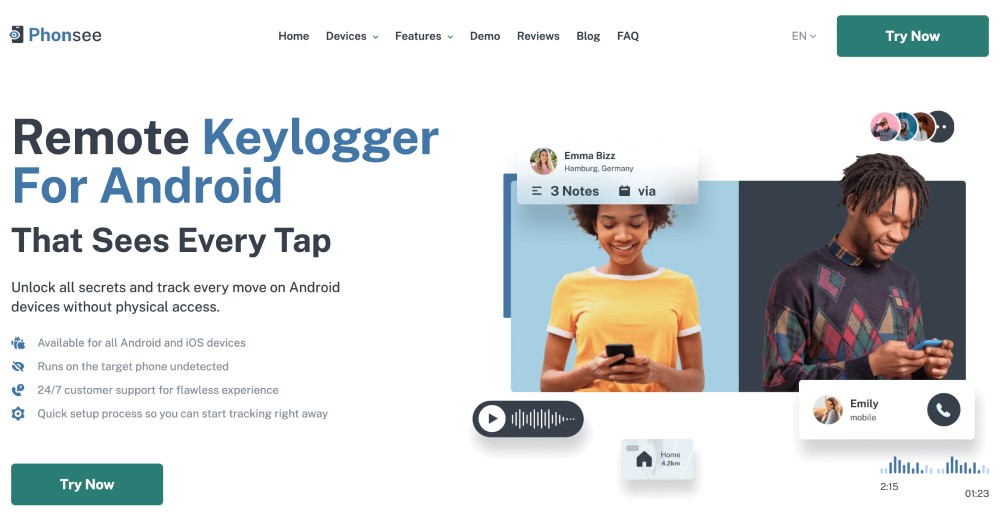
A rendelkezésre álló lehetőségek közül az Phonsee az egyik legkiegyensúlyozottabb felügyeleti élményt kínálja az Android-eszközök számára.
Az Android keylogger funkciója rögzíti az üzenetküldő alkalmazások, a közösségi média platformok és a webböngészők beírt tevékenységét. Az adatok automatikusan feltöltődnek egy letisztult, könnyen navigálható műszerfalra, ahol a felhasználók időrendben áttekinthetik a bejegyzéseket.
Mitől lesz Phonsee különösen hatékony, hogy a billentyűzetfigyelés csak egy része a platformnak.
A felhasználók hozzáférhetnek a következőkhöz is:
- Közösségi média tevékenységek figyelemmel kísérése
- GPS helymeghatározás
- Híváslista naplók
- Médiafájl hozzáférés
- Alkalmazáshasználati betekintés
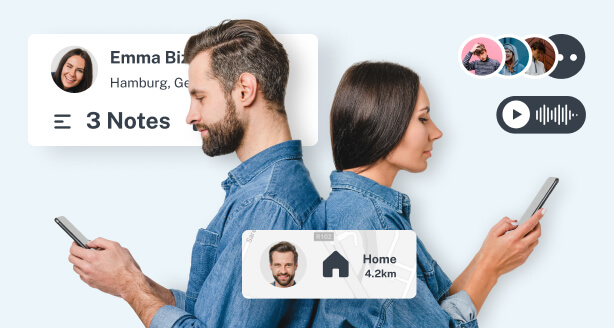
Ez a kombináció lehetővé teszi a felhasználók számára, hogy a gépelt tevékenységet összekapcsolják a készülék szélesebb körű viselkedési mintáival.
Például egy csevegőalkalmazásba beírt üzenet megtekinthető az érintett kapcsolattartó, az elküldés időpontja és a telefonhasználat helye mellett.
Az eredmény egy olyan felügyeleti környezet, amely átfogónak tűnik anélkül, hogy túlterhelő lenne.
A megbízható keylogger alkalmazást keresők számára az Phonsee az egyik legintuitívabb és legteljesebb megoldást kínálja.
2. Hoverwatch - Tevékenységfigyelés Keylogginggal
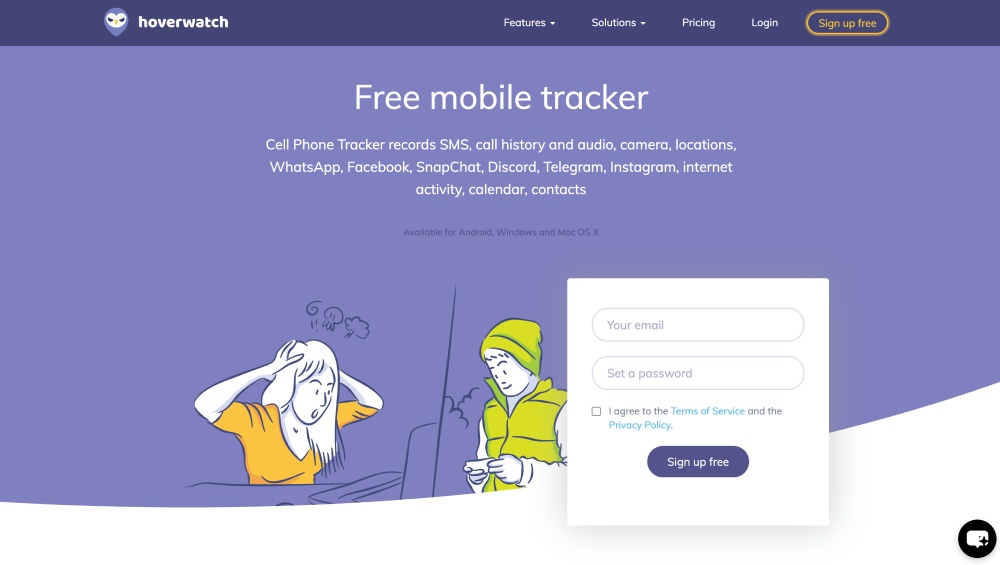
A Hoverwatch egy másik széles körben elismert felügyeleti eszköz, amely billentyűzetnaplózási funkciókat tartalmaz.
A platform az eszköztevékenység különböző formáinak, köztük a hívásoknak, az üzeneteknek és a helymeghatározási adatoknak a rögzítésére összpontosít.
A keylogger Android funkciója rögzíti a készüléken beírt billentyűleütéseket, és lehetővé teszi a felhasználók számára, hogy azokat egy online műszerfalon keresztül felülvizsgálják. A cél az, hogy átláthatóságot biztosítson az üzenetek, keresések és egyéb beírt tartalmak tekintetében.
A billentyűzetnaplózáson túl a Hoverwatch a következőket is tartalmazza:
- Híváslista figyelése
- GPS helymeghatározás
- Közösségi média figyelés
- Kamerás tevékenység pillanatképek
A Hoverwatch már több éve létezik, és stabil felügyeleti platformként szerzett hírnevet.
Az újabb rendszerekhez képest azonban a felületét kevésbé modernnek és kissé technikásabbnak érezhetik az első felhasználók.
Mégis, ez továbbra is egy szilárd lehetőség az Android felügyeletére tervezett keylogger alkalmazások között.
3. iKeyMonitor - Egy régóta működő keylogging eszköz
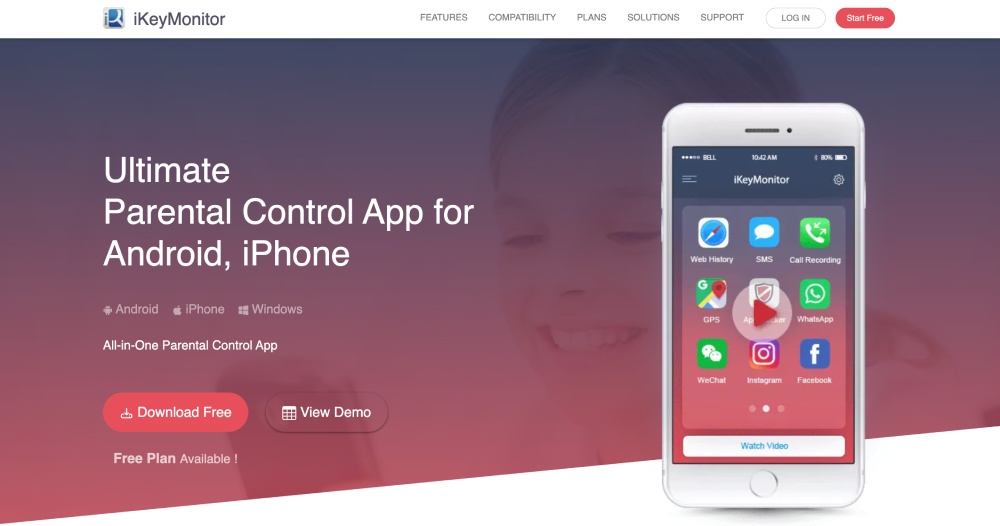
Az iKeyMonitor egy másik jól ismert felügyeleti alkalmazás, amely nagymértékben összpontosít a billentyűleütések nyomon követésére.
A keylogger alkalmazás rögzít mindent, amit a készüléken beírnak, beleértve az e-maileket, a keresőkifejezéseket és az olyan csevegőalkalmazásokon keresztül küldött üzeneteket, mint a WhatsApp vagy a Facebook Messenger.
A billentyűzetnaplózáson kívül az iKeyMonitor olyan funkciókat is biztosít, mint:
- Pillanatkép rögzítése
- Hívásfigyelés
- Webböngészési előzmények nyomon követése
- GPS helymeghatározás
Mivel az iKeyMonitor több alkalmazásból rögzíti a gépelt tevékenységet, gyakran használják olyanok, akik betekintést szeretnének nyerni a különböző platformokon keresztül történő kommunikációs mintákba.
Ez egy alkalmas lehetőség a keylogger-alkalmazások növekvő ökoszisztémáján belül.
4. KidLogger - Könnyű felügyeleti lehetőség
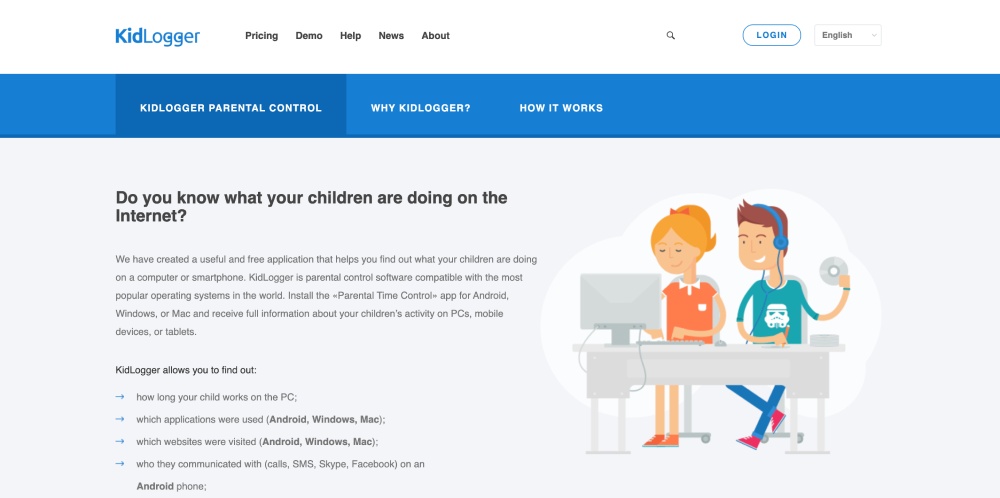
A KidLogger egy egyszerűbb felügyeleti eszköz, amely az alapvető eszköztevékenységek nyomon követésére összpontosít.
A szoftver képes rögzíteni a billentyűleütéseket és nyomon követni az alkalmazások használatát az eszközök között, segítve a felhasználókat abban, hogy megértsék, hogyan használják a telefont vagy a számítógépet.
Az Android keylogger funkciója naplózza a begépelt szöveget, és lehetővé teszi a felhasználók számára, hogy távolról tekintsék át a tevékenységi jelentéseket.
A KidLogger a következőket is tartalmazza:
- Alkalmazás használatának nyomon követése
- Weboldal nyomon követése
- Pillanatkép rögzítése
- Messenger csevegés nyomon követése
Mivel a KidLogger könnyű felügyeleti platformként lett kialakítva, a KidLogger olyan felhasználók számára lehet vonzó, akik egyszerűbb telepítési folyamatot szeretnének.
A fejlettebb platformokhoz képest azonban jellemzően kevesebb elemzési eszközt és felügyeleti integrációt kínál.
Hogyan válasszuk ki a megfelelő Keylogger alkalmazást?
Nem minden keylogging platform működik ugyanúgy. A legjobb keylogger alkalmazásmegoldások általában több kulcsfontosságú jellemzővel rendelkeznek.
Keressen olyan eszközöket, amelyek:
- Pontos billentyűleütés rögzítés több alkalmazásban is
- Világos és szervezett naplók
- Automatikus frissítések a műszerfalon
- Biztonságos felhő-hozzáférés
Az olyan további felügyeleti eszközök, mint a helymeghatározás vagy a közösségi média figyelése szintén fontos kontextust biztosíthatnak a beírt tevékenységekhez.
Ez az a terület, ahol a fejlettebb platformok általában kiemelkednek.
Miért emelkedik ki az Phonsee a Keylogger alkalmazások közül
Míg a Hoverwatch, az iKeyMonitor és a KidLogger mindegyike hasznos funkciókat kínál, az Phonsee a legkiegyensúlyozottabb élményt nyújtja.
Az Android keylogger funkciója zökkenőmentesen integrálódik a szélesebb körű felügyeleti funkciókkal, lehetővé téve a felhasználók számára, hogy ne csak azt értsék, hogy mit gépeltek be, hanem az azt körülvevő kontextust is.
A felhasználók például a billentyűzetnaplókat a következőkkel kapcsolhatják össze:
- Üzenetküldési tevékenység
- Kapcsolat kölcsönhatások
- Helymeghatározási adatok
- Alkalmazás használatának idővonala
Ez a szélesebb perspektíva sokkal értelmesebbé teszi a nyomon követést.
A platform nagy hangsúlyt fektet a használhatóságra is, modern műszerfalat és egyértelmű tevékenységi jelentéseket kínál, amelyek megkönnyítik az adatok értelmezését.
Mindenki számára, aki keylogger alkalmazásokat keres Android eszközökre, az Phonsee a teljesítmény, a tisztaság és a könnyű használat kombinációját kínálja, amely megkülönbözteti azt.
Végső gondolatok
Az Android felügyeleti eszközök jelentősen fejlődtek az elmúlt néhány évben. Ami egyszerű billentyűleütésnaplózóként kezdődött, az mára olyan fejlett platformokká fejlődött, amelyek képesek az eszköz teljes tevékenységi mintázatának elemzésére.
Az olyan eszközök, mint a Hoverwatch, az iKeyMonitor és a KidLogger hasznos felügyeleti lehetőségeket kínálnak, és továbbra is népszerűek az Android-tevékenységek nyomon követésére. Amikor azonban egy nagy teljesítményű keylogger Androidhoz és egy teljes felügyeleti ökoszisztéma kombinálásáról van szó, az Phonsee a legátfogóbb és legfelhasználóbarátabb megoldásként tűnik ki.