juni 2026
Anmeldelser av Snoopza: Er denne appen for telefonovervåking verdt å bruke?
Valget av et verktøy for telefonovervåking handler ofte om ett spørsmål: vil det vise den informasjonen du trenger uten at konfigurasjonen blir vanskeligere enn den burde være? Anmeldelser av Snoopza nevner nyttige Android-funksjoner, men kompatibilitet, tilgang og begrensninger i betalte versjoner bør du se nærmere på før du bestemmer deg.
Denne veiledningen er ment for alle som vurderer ulike overvåkingsløsninger for en nærståendes telefon. Her får du vite hva Snoopza-appen tilbyr, hvordan kontrollpanelet fungerer, hvor iPhone-brukere kan støte på problemer, og når Phonsee er et bedre valg.
Merk: Bruk kun overvåkingsverktøy på enheter du eier eller har lovlig rett til å overvåke, og informer brukeren av enheten når lokal lovgivning krever det.
Innholdsfortegnelse
Snoopza-anmeldelse: Hva du får
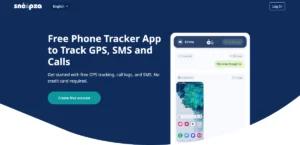
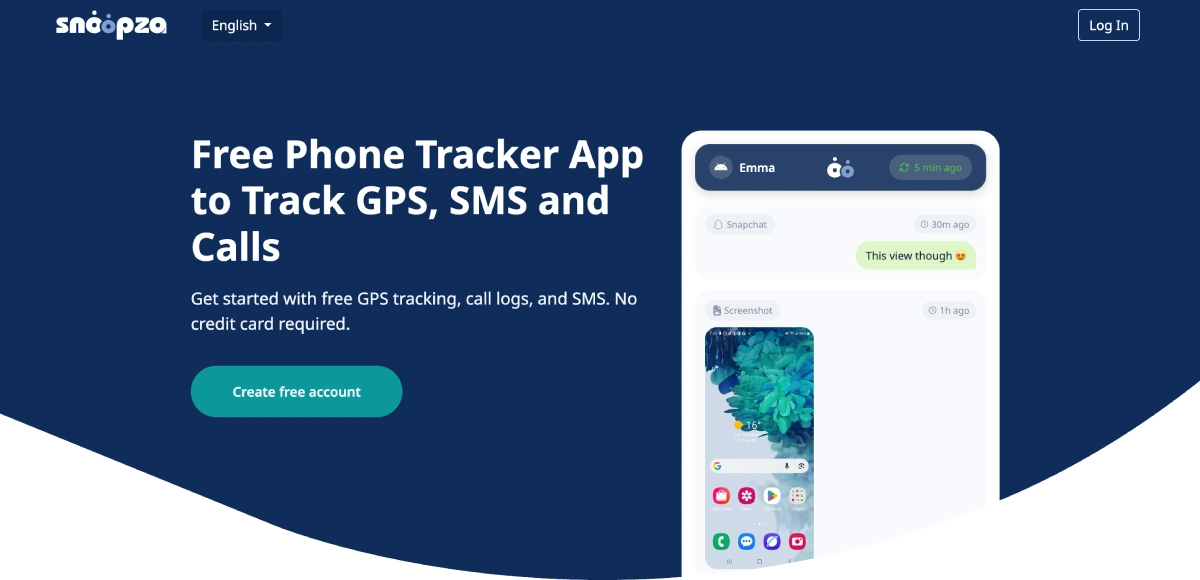
Snoopza er en overvåkningstjeneste for Android som er utviklet for å samle inn data om telefonaktivitet og vise disse i en nettbasert konto. Ifølge den offisielle nettsiden inkluderer gratisabonnementet posisjonsdata, samtalelogger og tekstmeldinger. Premium-tilgang gir tilgang til funksjoner som samtaleopptak, skjermbilder og utvalgte aktiviteter på sosiale medier.
Dette omfanget ser imponerende ut på papiret. En nyttig vurdering bør imidlertid skille mellom tilgjengelige funksjoner og faktisk daglig bruk. Den overvåkede telefonen må være online for at loggene skal nå dashbordet. Oppsettet av Snoopza-appen krever også direkte tilgang til den aktuelle telefonen, en installasjonsfil og tilgangsrettigheter.
Samtaler, meldinger og sosiale medier-apper
For grunnleggende oversikt kan Snoopza-appen vise innkommende, utgående og tapte anrop, sammen med datoer og klokkeslett. SMS- og MMS-logger gir ytterligere kontekst. Betalte verktøy kan omfatte WhatsApp, Facebook, Snapchat, skjermbilder og innspilte samtaler, selv om tilgjengeligheten kan avhenge av enheten og dens innstillinger.
Det er her enhver anmeldelse av Snoopza-appen bør oppfordre til å vurdere behovene først. Skriv ned de tre aktivitetene som betyr mest for deg, og sjekk deretter at hver av dem støttes av den aktuelle telefonen og Android-versjonen. En lang liste over funksjoner har liten verdi hvis det du prioriterer ikke er tilgjengelig.
Slik fungerer pålogging og oppsett av Snoopza
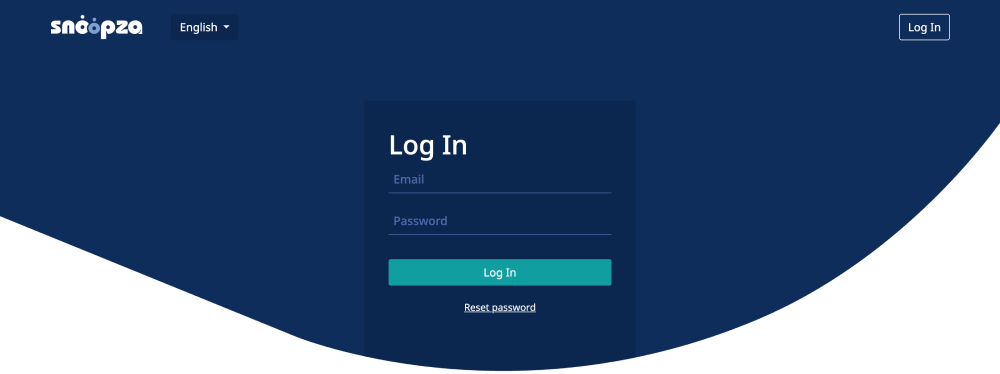
Prosessen starter med at du oppretter en konto med en e-postadresse og et passord. Etter installasjon på en godkjent Android-telefon vises den innsamlede informasjonen via Snoopza-innloggingspanelet. Du kan åpne denne kontoen fra en annen tilkoblet enhet, slik at du ikke trenger å ta i den overvåkede telefonen igjen når du skal foreta rutinemessige kontroller.
Hva du kan forvente under installasjonen
Snoopza oppgir at installasjonen tar omtrent fem minutter, men du bør sette av litt ekstra tid til å gå gjennom tillatelsene og bekrefte at dataene kommer inn. Programvaren lastes ned direkte, ikke via Google Play. Android kan derfor vise sikkerhetsmeldinger, og alle tillatelser som blir bedt om, bør leses nøye gjennom før du godkjenner dem.
Når tilkoblingen er opprettet, kan du bruke Snoopza-påloggingen til å sjekke posisjon, samtaler og meldinger. Hvis opplysningene slutter å oppdateres, må du kontrollere at den overvåkede telefonen er slått på, koblet til internett og fortsatt har de nødvendige tillatelsene. Disse kontrollene løser eventuelle hull i dataene uten at du trenger å endre innstillingene dine.
Gå til den offisielle påloggingssiden, skriv inn de registrerte opplysningene og åpne kontrollpanelet. Sørg for at brukernavnet og passordet til Snoopza er unike og holdes hemmelige, da kontoen kan inneholde sensitiv personlig informasjon. Det er lurt å gjøre to ting: logg av på delte enheter og unngå å lagre passordet i en nettleser som brukes av flere personer.
Ulempene ved Snoopza
iPhone: Kompatibilitetsgrensen. Snoopza for iPhone er ikke tilgjengelig. Den offisielle tjenesten støtter for øyeblikket Android 7 eller nyere, og oppgir at den ikke støtter iOS. Hvis telefonen du skal overvåke er en iPhone, finnes det ingen installasjonsvei for Snoopza å vurdere.
Søkeresultatene kan gi inntrykk av at Snoopza for iPhone er et aktivt produkt, fordi uttrykket dukker opp i sammenligninger. Vær forsiktig med slike omtaler. Opplysninger om kompatibilitet bør hentes fra leverandørens gjeldende dokumentasjon.
Ujevne GPS-oppdateringer. I enkelte anmeldelser av Snoopza kan posisjonsdataene ha et forsinkelse på flere timer, noe som gjør sanntidssporing upålitelig.
Begrenset overvåking av sosiale medier. WhatsApp, Instagram og Telegram kan ikke nås på en pålitelig måte via Snoopza-appen uten at målenheten er rootet.
Mangler i kundestøtten. Svarstiden varierer, og noen brukere oppgir at de må vente i flere dager på at konfigurasjonsproblemer skal løses.
Hva Snoopza-anmeldelser avslører før du tar et valg
Det finnes få uavhengige tilbakemeldinger, så les generelle påstander med forsiktighet. De mest nyttige Snoopza-anmeldelsene fokuserer på konkrete punkter: hvilken Android-versjon som ble testet, om telefonen var rotet, hvilke funksjoner som fungerte, hvor raskt oppføringene dukket opp, og om kundestøtten løste eventuelle problemer. En stjerneklassifisering uten denne konteksten sier svært lite.
Det er også viktig å se nærmere på kostnadene. Snoopza tilbyr grunnleggende overvåking gratis, mens avanserte funksjoner krever et betalt abonnement. Før du tegner et abonnement, bør du sammenligne listen over betalte funksjoner med dine prioriteringer og sjekke faktureringsvilkårene. På den måten baserer du beslutningen på den daglige nytten, snarere enn på fristelsen ved en gratis startpris.
Det finnes noen klare fordeler. Android-brukere kan starte med grunnleggende posisjons-, samtale- og SMS-logger, og deretter avgjøre om premium-verktøy er nødvendige. Fjernadgang til dashbordet er praktisk når alt er koblet til. Likevel begrenser oppsettet med direkte nedlasting og støtte kun for Android målgruppen. En balansert anmeldelse av Snoopza-appen bør synliggjøre disse avveiningene, ikke skjule dem bak en liste over funksjoner.
Når Phonsee er det beste valget
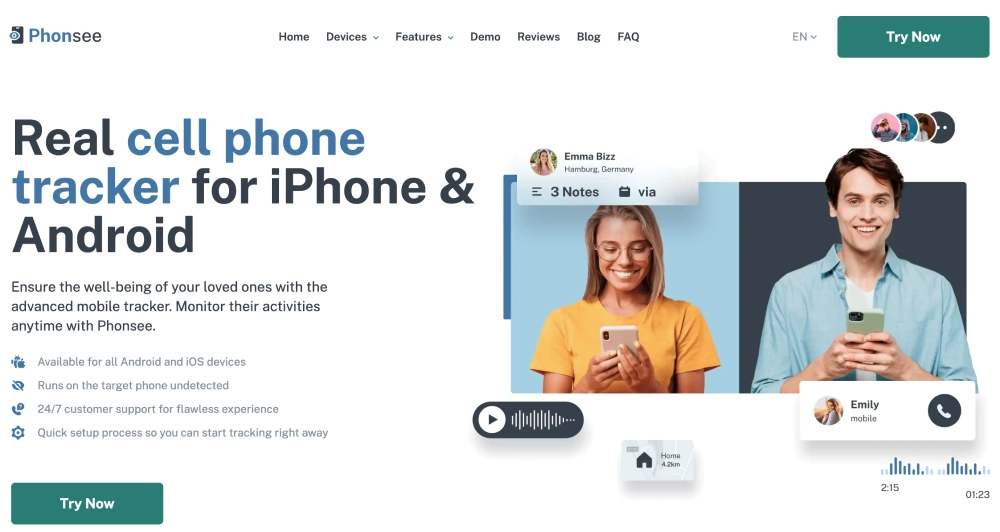
Phonsee støtter både iPhone og Android, noe som gjør den til det mest fleksible valget for husholdninger med ulike enheter eller for alle som kanskje bytter plattform senere. Tjenesten samler meldinger, samtaler, posisjonsdata, nettaktivitet og støttede sosiale plattformer i ett oversiktlig nettbasert dashbord. Veiledning ved oppsett og support døgnet rundt bidrar også til å redusere usikkerheten når du skal komme i gang.
De viktigste fordelene Phonsee byr på:
- GPS-sporing i sanntid med geofencing-varsler – få beskjed så snart noen kommer inn på eller forlater et angitt sted
- Fullstendig overvåking av sosiale medier på de viktigste plattformene
- Keylogger – registrerer hvert tastetrykk, inkludert søkeord og påloggingsopplysninger
- Skjermbilde – automatiske visuelle øyeblikksbilder av enhetens aktivitet
- 24/7 kundesupport – responsiv, ikke en henvendelse som forsvinner i tre dager
- Rent og moderne instrumentpanel – data sortert etter kategori, alltid oppdatert
Den forskjellen betyr mer enn en enkel sammenligning av funksjoner. Hvis Snoopza for iPhone ikke støtter enheten du har foran deg, gir Phonsee deg en kompatibel løsning uten at du må revurdere målet ditt. Du kan velge de funksjonene du trenger, følge den veiledede konfigurasjonen og se gjennom oppdateringer eksternt fra kontoen din.
Konklusjon: Velg oversiktlighet fremfor en lengre funksjonsliste
Snoopza kan være et godt valg for et system som kun bruker Android, når grunnleggende opplysninger om posisjon, samtaler og meldinger er tilstrekkelig. Den gratis versjonen gjør det enklere å teste disse grunnleggende funksjonene, og ved å logge inn på Snoopza får du tilgang til resultatene uansett hvor du befinner deg. Den største ulempen er like enkel: det er ingen støtte for iOS.
Det beste valget avhenger av telefonen, hvilken informasjon du faktisk trenger og hvor mye hjelp du ønsker med oppsettet. Hvis plattformuavhengig dekning, en veiledet oppstart og et oversiktlig dashbord er viktig for deg, er Phonsee det beste allround-valget. I stedet for å stole på spredte tilbakemeldinger, bør du først sammenligne kompatibiliteten, bekrefte hvilke funksjoner du må ha, og velge verktøyet som gir deg en tydelig oversikt fra første dag.