máj 2026

Ako nájsť iPhone bez funkcie „Find My iPhone“: Metódy, ktoré skutočne fungujú
You handed over your old iPhone. Or someone you care about just got one. Either way, Find My iPhone is turned off – and now you need to find an iPhone location without it. Most guides stop at “just enable Find My.” That’s not helpful when it’s already off.
This article is for anyone who needs to track an iPhone and can’t rely on Apple’s default tools. Whether you’re responsible for someone’s device, trying to locate a misplaced phone, or working around an account you no longer have access to – you’ll find a real solution here.
By the end, you’ll know every viable method to find an iPhone without Find My iPhone, including one that works even without iCloud access.
Obsah
Why Find My iPhone Isn’t Always an Option
Find My iPhone is Apple’s built-in locator. It works perfectly – when it’s on. But it goes dark the moment someone disables it in settings, logs out of iCloud, or hands off a device that was never set up properly.
That’s a more common situation than you’d think. A teenager who values privacy, a family member who isn’t tech-savvy, a shared device with no Apple ID – the list goes on.
The good news: there are legitimate, working alternatives to find an iPhone without Find My iPhone. Some are built into Apple’s ecosystem. One requires a dedicated monitoring app. Let’s go through them.
Method 1: Use Google Maps Location Sharing
If the iPhone owner has Google Maps installed and previously shared their location with you, you can still find an iPhone location through Google’s platform – completely independent of Apple’s services.
How it works
To find an iPhone location, open Google Maps on any device, tap your profile icon, then select “Location sharing.” If the other person turned on sharing at any point and hasn’t revoked it, their position will show up on the map in real time.
This method works across platforms, meaning you can check from an Android phone, a browser, or your own iPhone. It doesn’t require iCloud, and it doesn’t rely on Find My at all.
The limitation: it only works if location sharing was set up in advance. You can’t activate it remotely after the fact.
Method 2: Check iCloud.com Directly

This one surprises people. If you have the Apple ID login for the target device, you can find your iPhone without the iCloud app by going directly to icloud.com from any browser.
Steps to follow
- Open a browser and go to icloud.com
- Sign in with the Apple ID associated with the iPhone
- Click “Find My” from the iCloud dashboard
- Select the device from the list
Even without the Find My app installed on your own phone, the web version shows the same map and device list. This is the cleanest way to find your iPhone without iCloud app dependency on your end.
Keep in mind: the target device still needs Find My enabled on its side. If it’s been toggled off in iPhone settings, iCloud.com won’t show a location either. This method covers situations where you simply don’t have the app – not where the feature is disabled entirely.
Method 3: Ask Siri or Check the Last Known Location
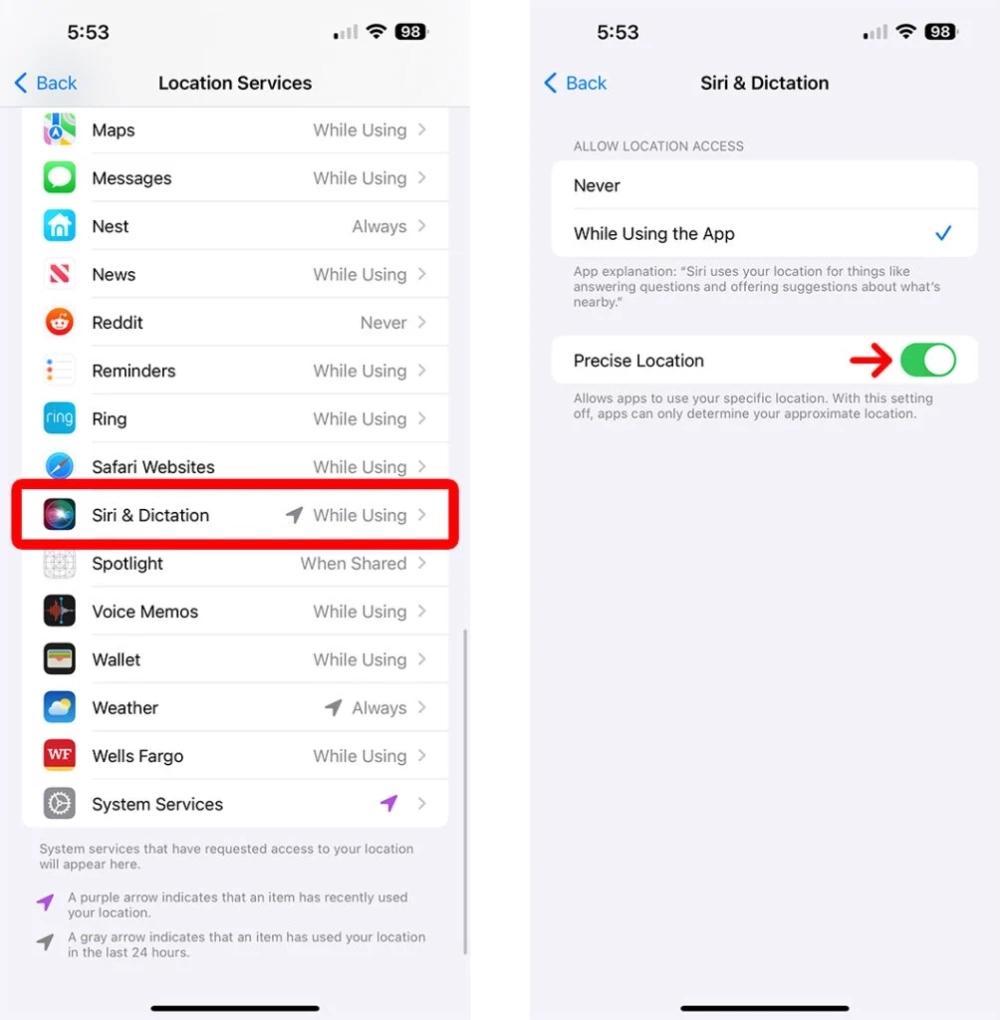
When a device goes offline or Find My is turned off, Apple sometimes stores a last known location – the most recent GPS ping before the feature was disabled. This can be visible in iCloud under the Find My section, even after the device drops off.
It’s not real-time, but it gives you a starting point: a neighborhood, a building, a general area where the phone was last seen. Pair that with a phone call or a message to narrow it down further.
Method 4: Use a Dedicated Monitoring App to Track an iPhone
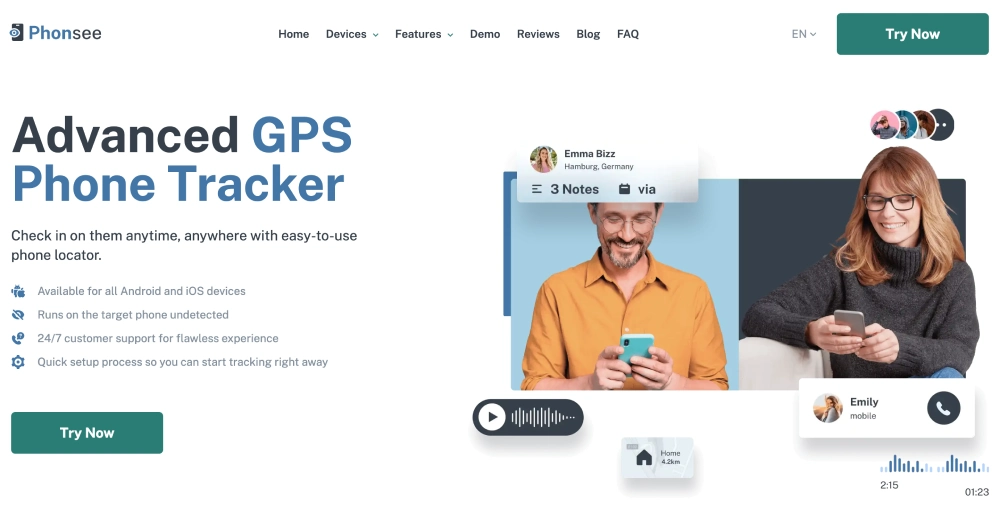
When Apple’s tools fall short, a third-party monitoring app like Phonsee fills the gap. This is the most reliable method to track an iPhone, regardless of whether Find My is on or off, because it operates entirely independently of Apple’s ecosystem.
What Phonsee does differently
Phonsee is a monitoring app built for exactly this situation. Once installed on the target iPhone, it continuously logs GPS location data and sends it to a private dashboard you can access from any device.
You don’t need iCloud credentials. You don’t need Find My enabled. You can find an iPhone location in real time, review location history, and even set up geofencing alerts – all from a clean, easy-to-use interface.
What else you get with Phonsee

Beyond location, Phonsee lets you track an iPhone in a comprehensive way:
- Read SMS messages and iMessages
- Monitor calls (incoming, outgoing, missed)
- View social media activity across platforms like WhatsApp, Instagram, Snapchat, and other apps
- Check browser history and web activity
- See photos and videos stored on the device
With Phonsee, you’re not just finding a location; you’re staying connected to the full picture.
Setting up Phonsee
Installation takes about four steps: create an account, choose a plan, follow the setup instructions sent to your email, and log into your dashboard. After that, you can track an iPhone from anywhere with an internet connection.
Method 5: Contact Your Carrier
Mobile carriers have access to cell tower data, which can approximate the location of any active SIM. This method is generally reserved for emergencies – carriers typically require a police report or legal request to share this data to track an iPhone.
If the situation warrants it, this is a viable path. For everyday location needs, the methods above are faster and more accessible.
Spodná hranica
Knowing how to find an iPhone without Find My iPhone comes down to having the right tool for your specific situation. If location sharing was set up in advance through Google Maps, start there. If you have iCloud credentials, the web dashboard is quick and effective.
And if you need something more consistent – a way to track an iPhone that doesn’t hinge on one setting being enabled or one account staying logged in – Phonsee is worth looking at. It gives you real-time location alongside a full picture of phone activity, all from one dashboard. No iCloud dependency, no guesswork.
Whatever your situation, you now have a clear map of what’s available and when each option makes sense. Start with the simplest method that fits, and work from there.